Per-Query Pricing Costs More Than You Think at High Query Rates
Hidden query costs multiply when volumes scale beyond manual controls and caching breaks.
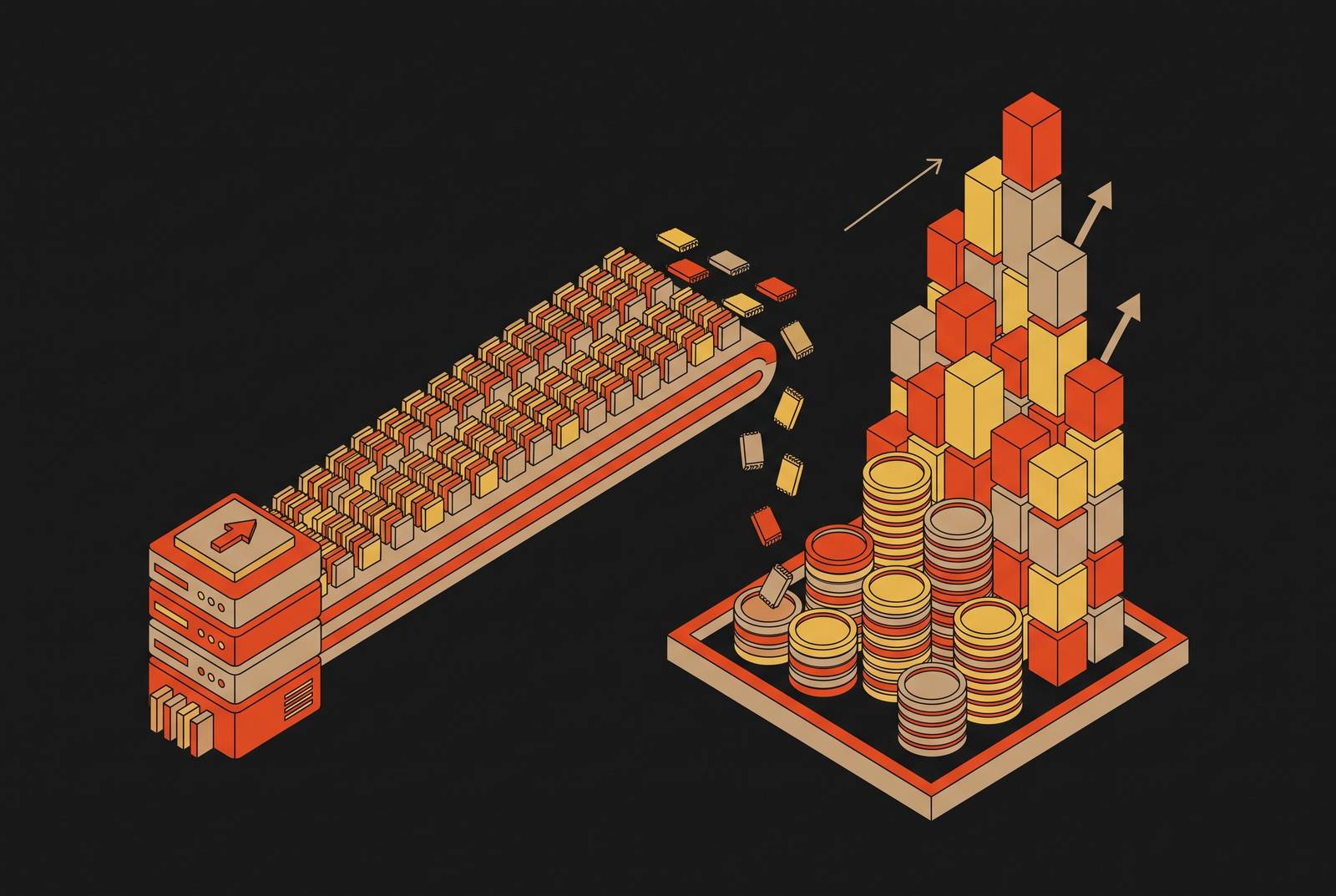
Per-query and per-TB-scanned pricing looks cheap because the bill only grows when someone actually runs a query. But the same mechanism that makes it feel safe at a handful of queries a day makes it dangerous at scale.
Why per-query and per-TB-scanned pricing feels safe at low volumes
No provisioned capacity. Write SQL, pay for the bytes it scans, and walk away. BigQuery's on-demand model charges per TiB scanned, and the first TiB each month is free, so early usage barely registers on the invoice. Nobody is lying to you about that.
The honest caveat is where it works. The sources behind this piece establish a sharper point, though: predictable volume is what makes that crossover calculation work, and the workload stops being predictable once something other than a human is writing the queries. At low, steady volumes, per-TB pricing is not a trap; it's a reasonable default that a lot of teams should keep using.
The billing unit that hides inside every query: bytes scanned, not bytes returned
What actually gets billed is the detail every one of these pricing models quietly buries: the measure that determines the charge. The billing measures the size of the search, not the size of the answer.
A query that pulls back a single gigabyte of results from a 100 terabyte table still gets charged for every byte the engine had to read on the way to finding those rows. Run a plain SELECT * against a 10 TiB table on BigQuery's on-demand pricing, and the charge is $62.50. The cost comes entirely from how wide the scan was.
This is where column-oriented engines earn their keep. But that advantage only holds if the engine gets the chance to prune before it pays for the read. Architectures that route every query through remote object storage lose this advantage on every single call, because the round-trip out to S3-tier storage happens before any pruning logic runs, so the full scan penalty gets paid regardless.
Then there's the application layer making it worse without anyone noticing. ORM-style query generators default to emitting SELECT * rather than naming the columns an application actually needs, and a team with a modest amount of real data sitting in its tables can end up generating many multiples of that volume in daily query scans, just from the pattern baked into the framework. The framework did it automatically, every single time, and the bill reflects that.
Unpartitioned queries can cost twenty-five times more than partitioned ones
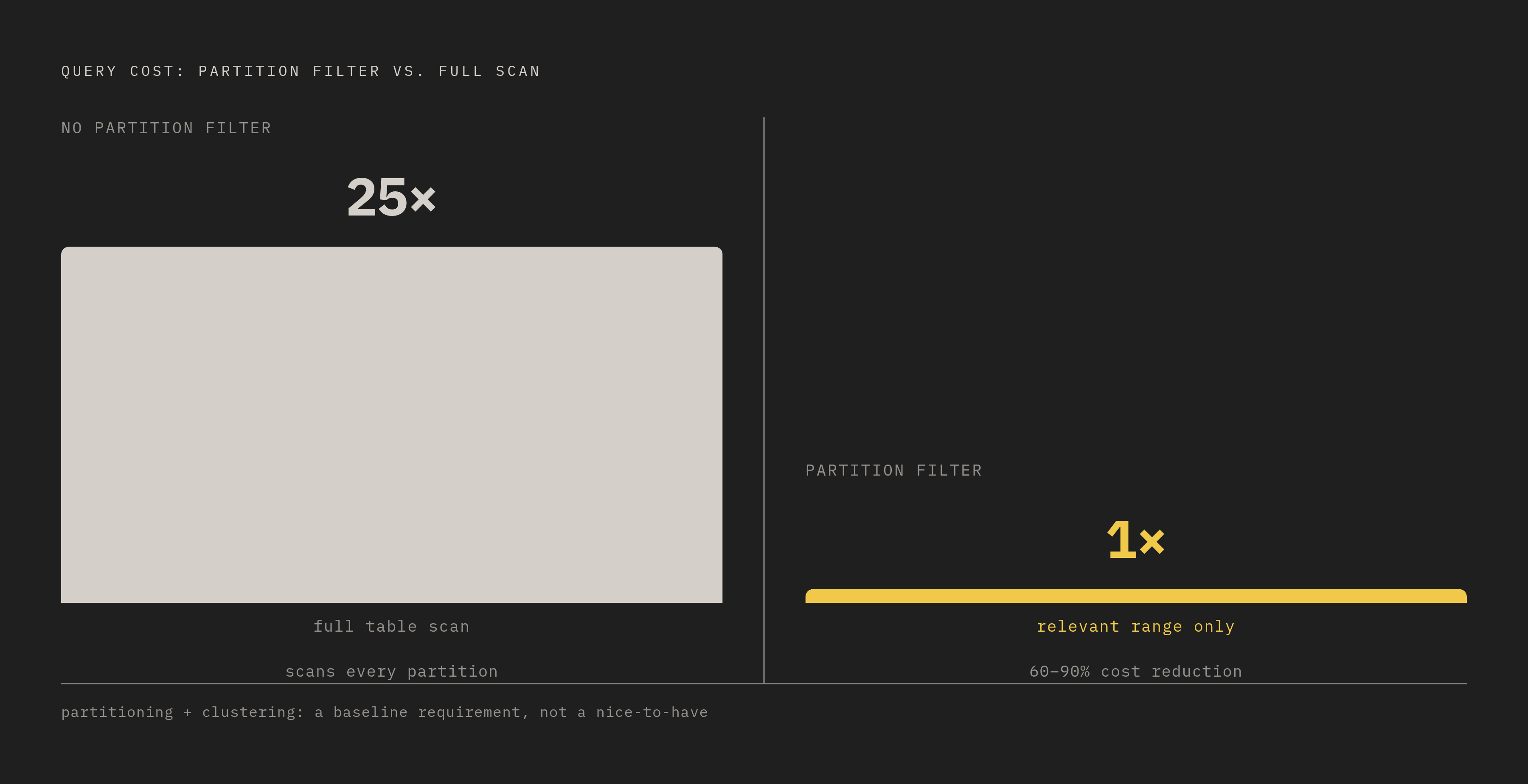
Scan width is the mechanism. Table design is the multiplier, and it's a big one.
Take the same query, run it two ways: one version can cost 25 times more than the other, depending only on whether it scans the full table or just the relevant range. Without a partition filter, it scans the entire table. With one, it scans only the date range or key range that actually matters. Partitioning and clustering aren't optional tuning for advanced users. On any table over a terabyte, they cut query costs by 60 to 90 percent, which makes them closer to a baseline requirement than a nice-to-have.
What happens when nobody enforces that baseline? One Series A company found out the expensive way: a substantial monthly cloud burn climbed into a significant five-figure bill, and the entire overage traced back to queries running against tables that were never partitioned in the first place. Not a single catastrophic query. A standing architectural gap that charged full price on every query, every day, until someone looked at the invoice.
Materialized views offer a second lever once partitioning is in place. Querying a pre-computed view costs a small fraction of querying the raw table directly. Tested at an e-commerce client in March 2026, the average query cost fell sharply after the switch, while the view itself carried only a modest monthly maintenance fee. That's a real result, and it raises an obvious question: if partitioning, clustering, and materialized views together cut costs this dramatically, why isn't "fix your schema" the end of the conversation?
Schema discipline works, but only if every person writing a query applies it, every single time, with no exceptions. A materialized view answers the question it was built to answer. What happens to the query that doesn't know, in advance, what it's looking for? That question is exactly where the next two sections go.
Frequency turns a manageable unit cost into a runaway monthly bill
A single query, even an expensive one, is a one-time charge. The real damage comes from how often that charge repeats.
Consider a developer debugging something, running the same SELECT * against a 10 TB table over and over across a single afternoon. Each run might be cheap in isolation, but fired many times a day during an extended debugging session, the daily and monthly totals climb fast, from one person's keyboard habit alone. Now scale that pattern up to something more institutional: a dashboard that refreshes frequently and scans hundreds of gigabytes on every load can run up thousands of dollars a month, all from one dashboard that somebody built with good intentions.
Why does the dashboard never catch a break on caching? The cache never matches, because dashboard tools generate slightly different SQL each time from timestamps, filters, or user parameters, so the engine fires a full-price scan on every refresh.
Layer onto that the simple fact that answering one real business question rarely takes one query. Multiply the cost of curiosity by that factor and the bill for a single afternoon of honest exploration starts looking like the bill for a small outage.
People adapt to the incentive, and that adaptation is what should concern any team watching its cloud spend. They learn to run fewer queries, guess instead of verify, and argue from opinion instead of testing a hypothesis against the data, because per-query pricing quietly punishes exactly the kind of curiosity that good analytics is supposed to reward. One fintech client in early 2025 watched a monthly bill jump from $4,200 to $37,000 overnight, because one bad query ran unnoticed and not because the company suddenly had more data to analyze.
That's the trap for a human team: frequency compounding a unit cost that looked perfectly reasonable in isolation. Now ask what happens when the thing running the queries never gets tired, never decides to stop, and never learns to guess instead of check.
AI agents and the per-query bill human analysts never could produce
Human analysts self-regulate, whether they mean to or not. They get bored, they run out of the workday, they decide a question isn't worth a twentieth query. AI agents don't carry any of those limits, and that absence is what turns the frequency problem from expensive into structurally unbounded.
Run the numbers forward. A typical analyst team operating at a fixed per-query cost reaches a certain monthly total. Add AI agents running exploratory scenarios for a company's top clients, and that figure doesn't creep up, it multiplies by an order of magnitude. Push toward continuous, always-on optimization loops, and the projected figure reaches a level no human analyst workforce could plausibly generate, simply because no team of people works around the clock at machine speed.
Part of the damage comes from how warehouses bill time, not just bytes. An agent issuing many short queries a day against that same minimum interval ends up paying a large multiplier on each one, since it's billed for the floor, not for the actual compute time the short query consumed.
This isn't a hypothetical architecture problem anymore. The Model Context Protocol, introduced by Anthropic in November 2024 and picked up by OpenAI in March 2025 and Google DeepMind in April 2025, standardizes how LLM applications talk to data sources. That's good for interoperability, but it also means every MCP tool call that touches a per-query-priced database fires a billable event, and an agent built to reason by calling tools repeatedly will call that tool repeatedly, by design. Current approaches to optimizing MCP context still inject every connected server's full JSON schema into the system prompt at once. The overhead grows right alongside the number of tools an agent has access to.
One might argue the vendors will just fix this, since nobody wants an angry customer with a six-figure surprise bill. But look at where the revenue actually comes from: the large majority of a data warehouse vendor's revenue is compute, storage, and data transfer consumption, so any fix that reduces the compute burned per query reduces the vendor's own top line directly. It's just an incentive that doesn't point toward fixing what agents are about to do to these bills.
The S3 egress tax that doubles the bill nobody is looking at
A second bill, one that almost nobody reads closely, sits underneath the compute bill and compounds in the same direction.
Architectures that route query I/O through S3 carry an egress and API cost structure that doesn't appear anywhere near the headline storage price, and at scale it often exceeds the compute charge entirely. The advertised per-gigabyte storage rate is only a fraction of what actually shows up on the invoice, once retrieval fees, egress charges, per-operation API costs, and replication overhead get added in.
This isn't unique to analytics warehouses: any system that ties billing to scan width instead of scan value runs into the same pattern.
There are signs the egress tax specifically is a choice rather than a law of physics. Cloudflare's R2 storage runs a zero-egress model, showing that charging for data leaving a provider's network is a pricing decision rather than a technical necessity, and competitors are starting to compete on removing it. They work that way because that's how the bill is currently built.
Why "just fix your schema" fails at agentic scale
The fairest pushback against everything above is simple: this is a discipline problem that good engineering teams already know how to solve.
That objection carries real weight for human-driven workloads. Partitioning and clustering cut query costs 60 to 90 percent, and switching from on-demand to capacity pricing once monthly volume justifies it saves considerably more on top of that. Schema discipline and the right pricing tier, applied by people who know what they're doing, genuinely solve this problem for workloads that look like that.
So where does the objection break down? Materialized views have to be defined in advance, built around a query pattern someone already knows they'll need answered repeatedly. An agent probing a dataset to test a hypothesis it hasn't fully formed yet cannot be served by a view built for a pattern that existed before the agent started asking. The view doesn't know what the agent is about to ask, because the agent doesn't know yet either.
The real disagreement underneath this whole debate is not per-query pricing against flat-rate pricing as competing philosophies. For agentic workloads, the sources behind this piece are direct about it: that predictability isn't there. The entire commitment calculation that makes capacity pricing work has no stable input to run on.
One more wrinkle deserves mention before moving to what actually fixes this. SRE time spent on point-in-time recovery, multi-region replication, and the general work of keeping a self-run system reliable at scale can exceed whatever was saved by walking away from managed billing. Managed services trade billing risk for operational simplicity, and that trade is worth making, provided the billing model itself hasn't become the bigger risk sitting on the other side of the ledger.
That's the asymmetry this whole argument rests on. Schema discipline is a real, working defense for human workloads, and teams should absolutely keep using it. It is not a defense against a workload that, by its nature, doesn't know in advance what it's going to ask.
A pricing architecture that keeps costs flat as query rates grow
Per-query and per-TB-scanned pricing breaks down exactly where query volume stops being predictable, so the fix has to come from a pricing model that doesn't depend on predicting volume.
That points toward compute-hour pricing: paying for a block of processing capacity over time rather than paying per query or per byte scanned. Under that model, a spike in query frequency, whether it comes from a curious analyst running extra queries to answer one question or an agent running many queries to test many hypotheses, doesn't generate separate billing events for each one. It uses the compute capacity that's already been paid for. The bill stops tracking curiosity and starts tracking capacity, which is a far steadier thing to budget against.
The second half of that fix is architectural: keep hot, frequently-touched data in memory rather than routing every query out to object storage and back. Section two's entire argument about column pruning losing its value under remote-storage round-trips, and section six's argument about egress and API costs compounding quietly on top of compute, both point at the same underlying weakness. A system that has to reach out to S3-tier storage before it can even begin filtering a query pays a penalty on every single call, no matter how the compute itself is billed.
Put those two pieces together, compute-hour pricing plus data kept close to where it's queried, and the result is a system where a high-curiosity workload, human or agentic, is treated as what the infrastructure was built to do rather than as a billing event. That's the structural shift this whole argument has been pointing toward: not a smarter way to write queries, but a pricing architecture that doesn't punish the act of asking another question.